 Glad Studio
Scan anything. Documents, receipts, ID cards and QR codes.
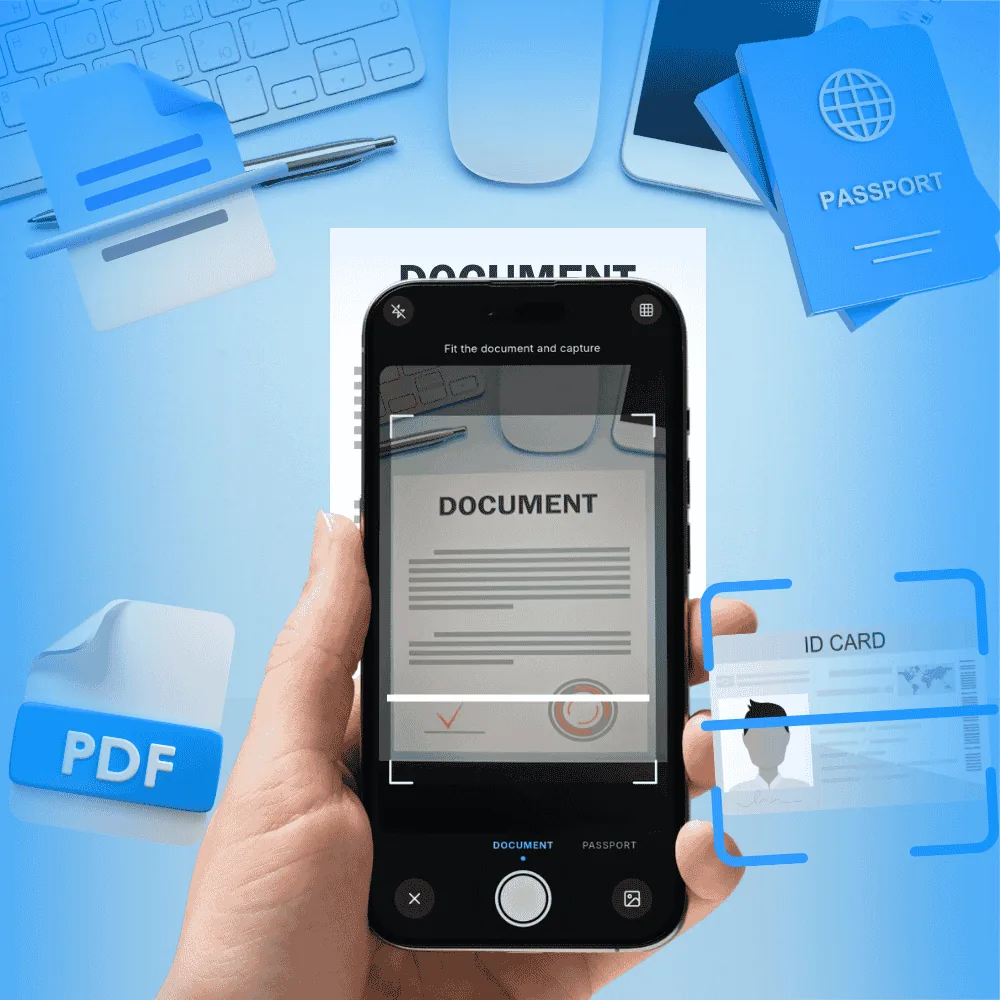
Scan your documents, turn them into PDFs and share them in one tap.
Scanning, signing and PDF tools in one app.
Scan anything. Documents, receipts, ID cards and QR codes.
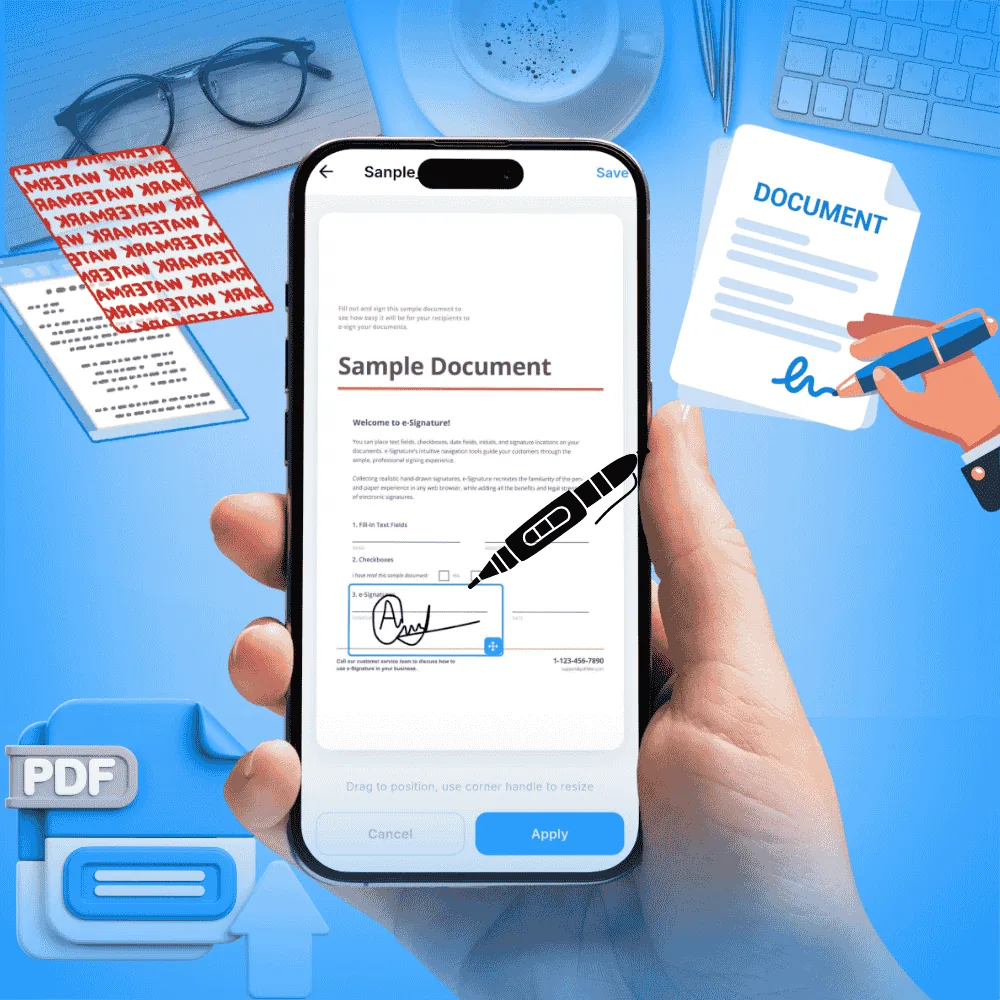
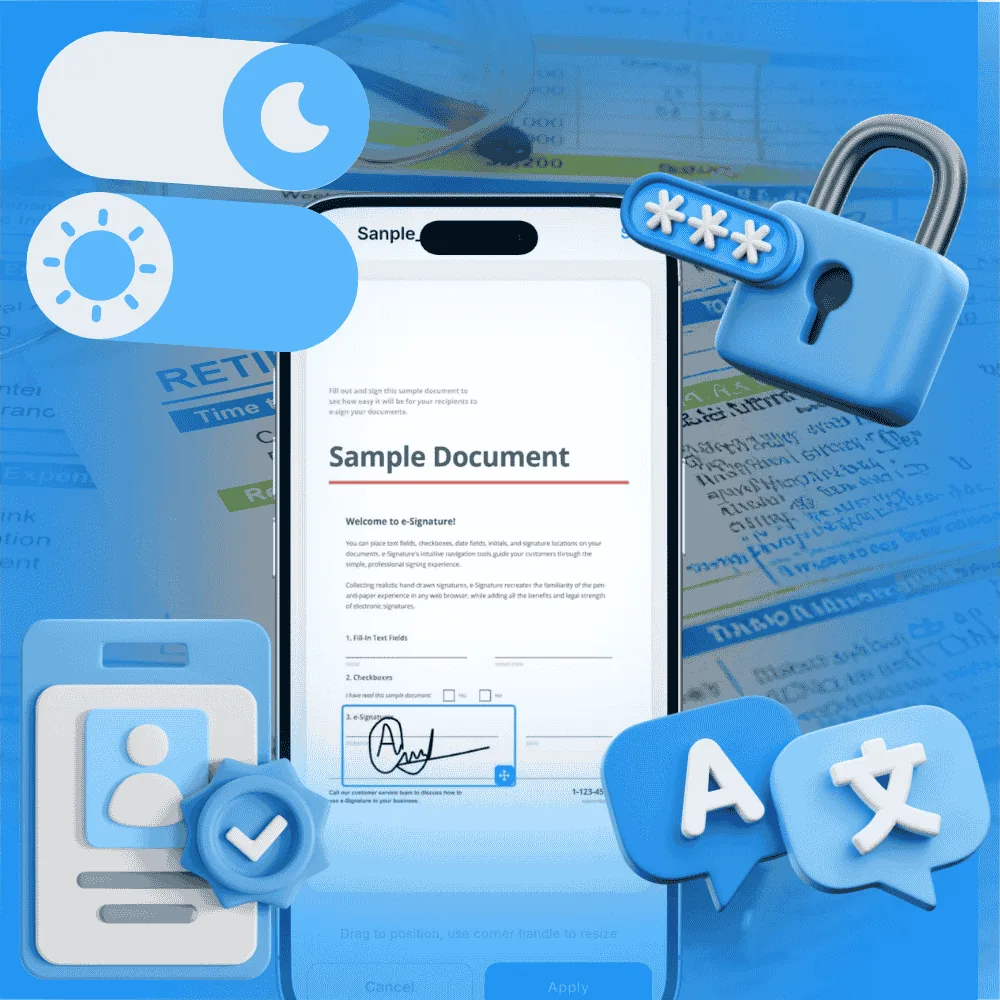
Sign with ease. Draw, type or capture your signature from paper.
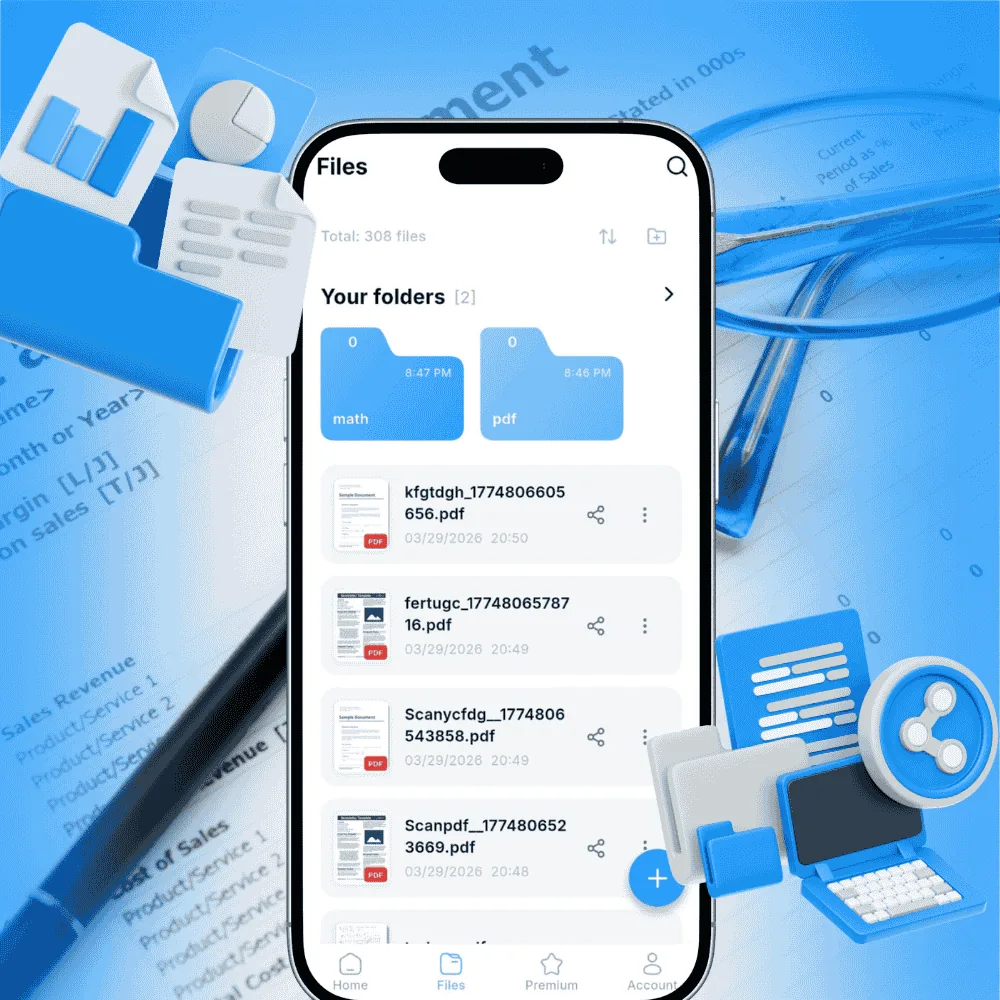
Stay organized. Search, sorting and folders with Premium.
Protect and read. Passwords, watermarks and text recognition with Premium.
Scanning, PDF tools and recent files on one screen.
Folders, filters and sorting by date.
Signature, watermark, split, merge and password.
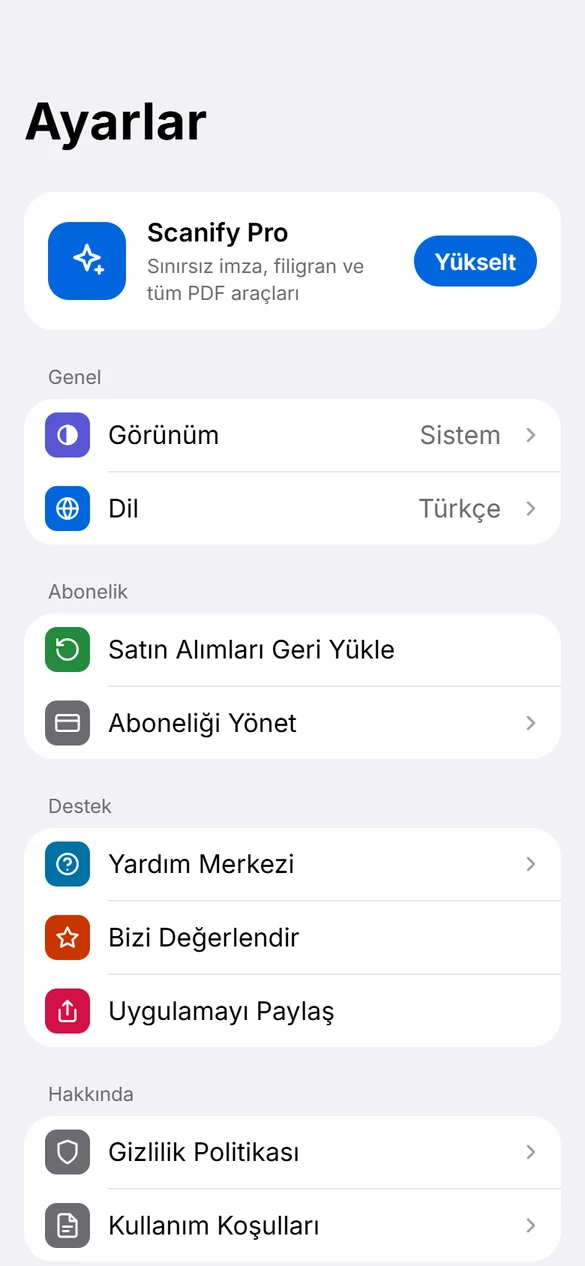
Follows your system setting.
Language, appearance, subscription and support.
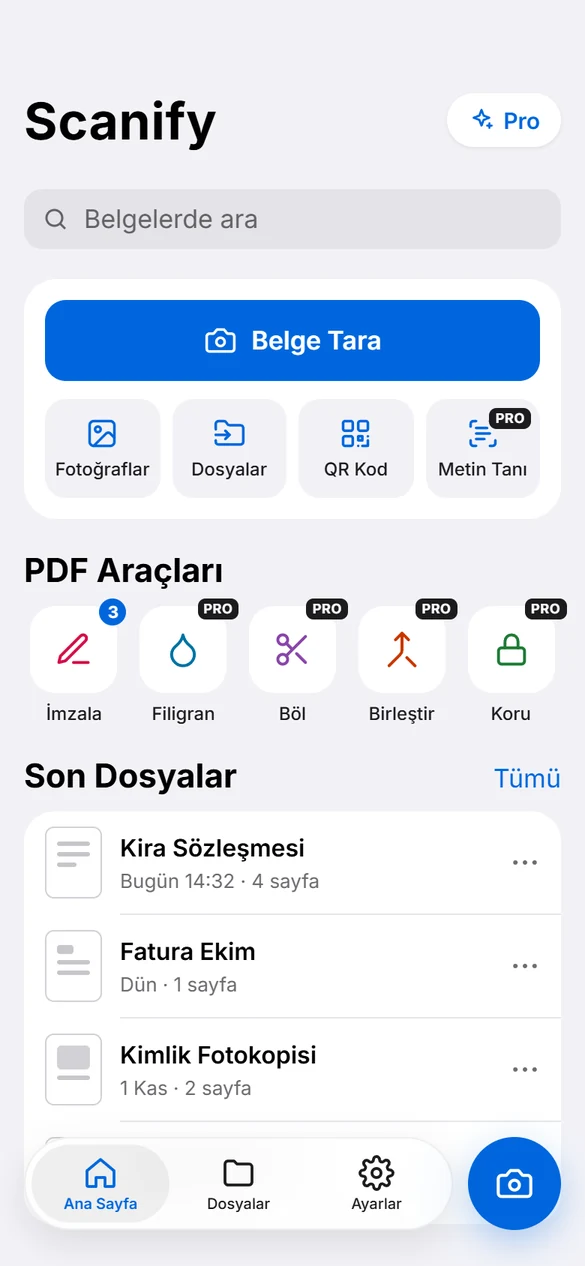
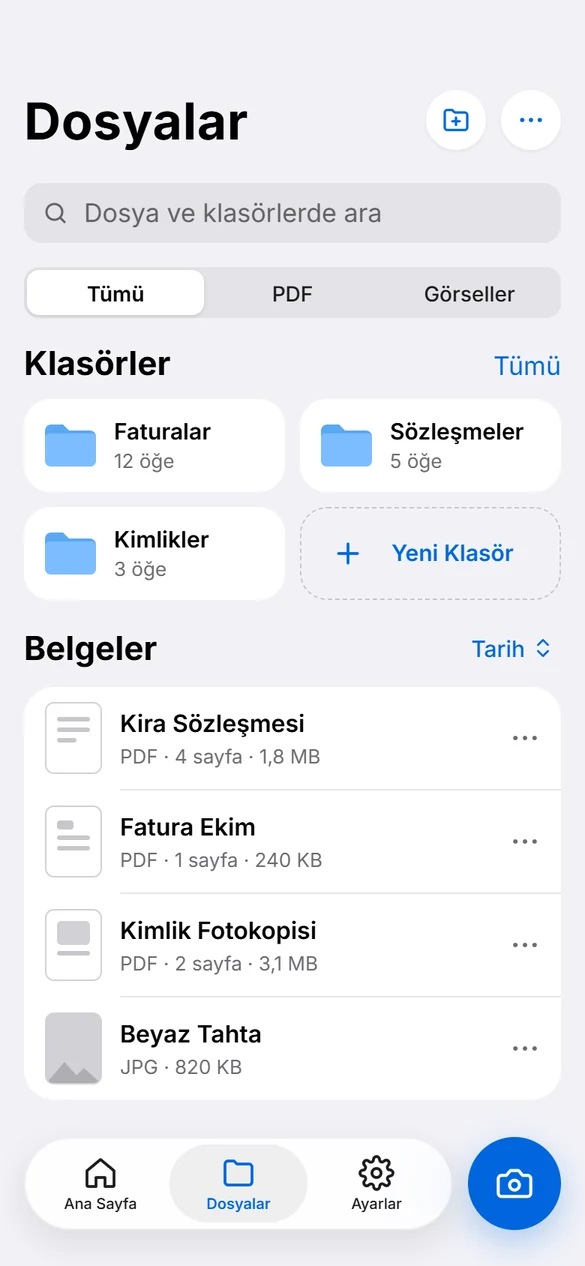
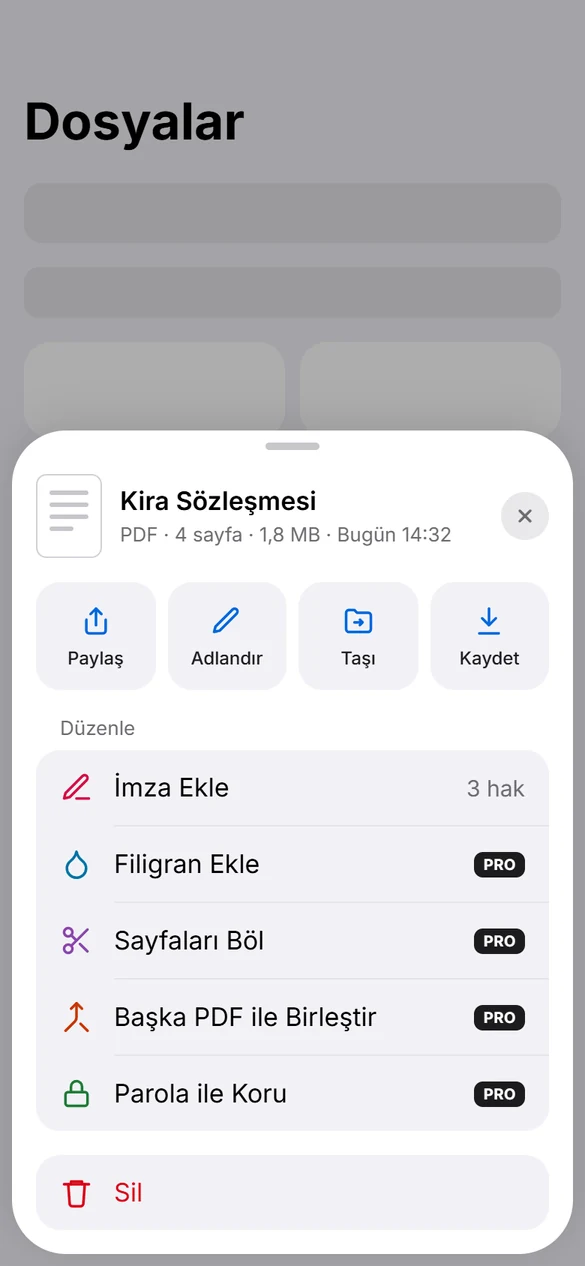
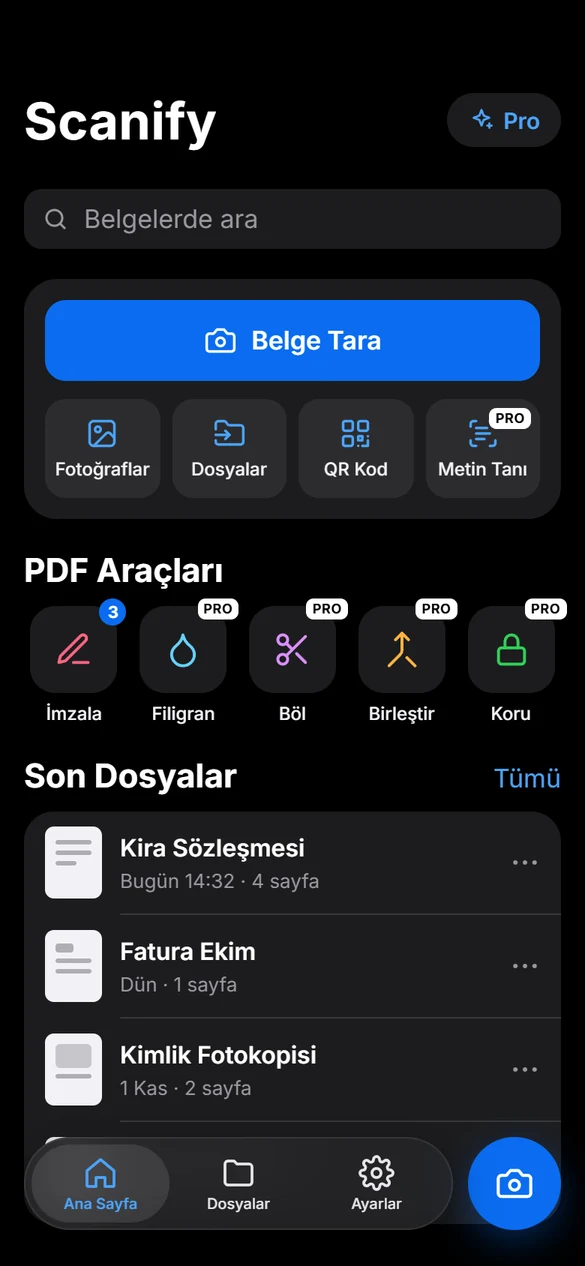
Point the camera at a document and capture it. Scanify finds the edges, straightens the image and saves it as a PDF.

Scanned documents and PDFs are saved in Scanify's storage on your device. For details, see the Privacy Policy.
Go to Google Play › Payments & subscriptions › Subscriptions › Scanify, or use "Manage Subscription" in the app.
Sign in with the same Google account and tap "Restore Purchases" in the app.
Email us at supportgladstudio@gmail.com.